How we built our blog with Astro
How to Build a Blog With Astro
Astro is one of the best choices for building a modern blog because it gives you speed, clean content authoring, and flexible UI tools without unnecessary complexity.
If you are already comfortable writing Markdown and want a professional site architecture, Astro makes the process straightforward.
In this post, we will walk through how a blog can be structured with Astro and why each piece matters.
Why Astro Works So Well for Blogs
Blogs are mostly content and only partially interactive. Astro is designed exactly for that use case.
Key benefits:
- Fast by default: pages are rendered to lightweight HTML.
- SEO-friendly output: static pages are easy for crawlers to parse.
- Clean authoring workflow: write posts in Markdown and keep metadata in frontmatter.
- Flexible styling: works smoothly with Tailwind and custom CSS.
This gives you a site that feels modern but remains easy to manage over time.
Recommended Blog Architecture
A practical Astro blog setup usually includes:
src/content/blogs/for Markdown postssrc/content/config.tsfor schema validationsrc/pages/blog/[slug].astrofor dynamic post pagessrc/pages/blog/index.astrofor archive/listing pagesrc/components/for reusable UI blocks like cards and navbar
This separation keeps your content, routing, and UI organized as the project grows.
Content Collections and Metadata
Content collections are one of Astro’s most useful features for blogs.
They let you define the structure of each post using a schema, so every article follows consistent metadata rules such as:
titledescriptionauthordateimage
With validation in place, you catch mistakes early instead of discovering broken pages later.
Writing Flow for New Posts
A reliable flow for publishing posts in Astro:
- Create a new Markdown file in
src/content/blogs/. - Add frontmatter first (title, date, description, image).
- Write your sections with clear headings and short paragraphs.
- Add images using local paths from
public/. - Preview in development and then build for production.
This workflow is simple, repeatable, and team-friendly.
Designing for Readability
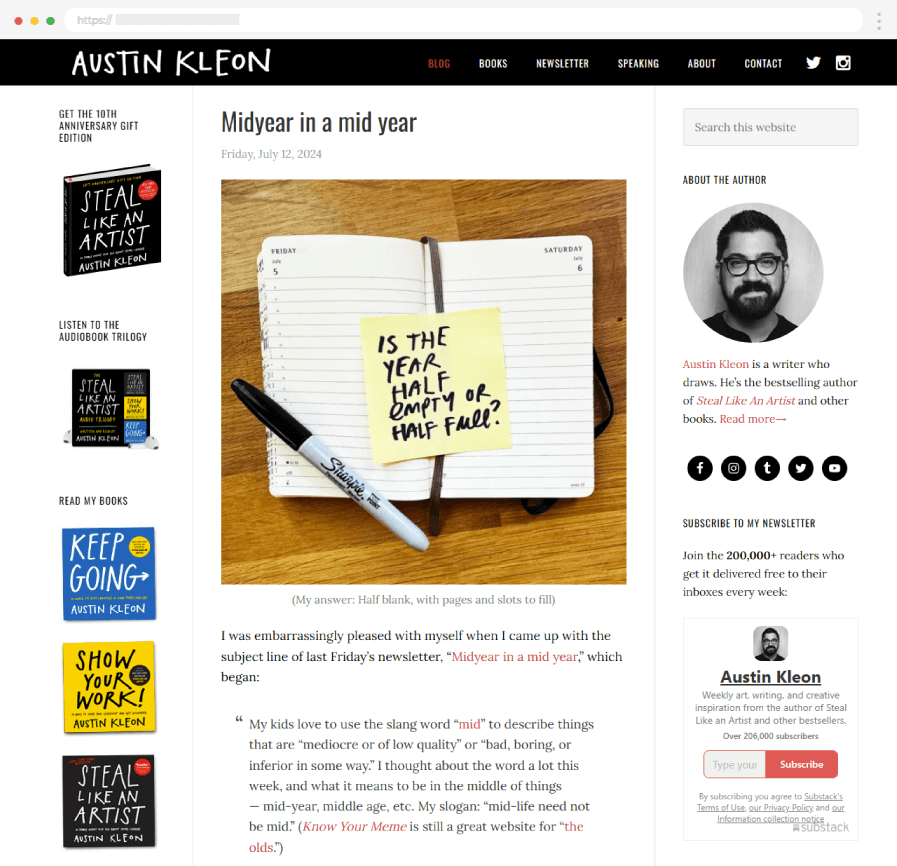
A professional blog is not only about code architecture, it is also about how content feels to read.
Good practices:
- Keep line length comfortable on desktop
- Use clear heading hierarchy (
##,###) - Maintain generous spacing between sections
- Use visuals to break up long text blocks
- Keep contrast and font sizing mobile-friendly
Astro gives enough control to optimize all of this without over-engineering.
Performance Checklist for Astro Blogs
Before shipping a post, validate these basics:
- Images are optimized and properly sized
- Only required interactive components hydrate
- Metadata is complete for each post
- Internal links are valid
- Build succeeds without content warnings
This checklist helps maintain quality across every article.
Common Mistakes to Avoid
When building early blog versions, developers often:
- Keep remote placeholder images in production content
- Skip frontmatter consistency
- Add unnecessary client-side JavaScript
- Ignore mobile typography and spacing
Fixing these early gives your blog a more professional feel immediately.
Final Thoughts
Astro helps you build a blog that is fast, maintainable, and visually polished.
You can start small with Markdown files and progressively improve design, SEO, and content quality without rewriting your entire stack.
If your goal is a content-first site with modern DX, Astro is an excellent long-term choice.
Read more at the official docs: Astro Documentation